Planning a Zero-Downtime Kentico 13 to XbyK Migration: A Complete Playbook
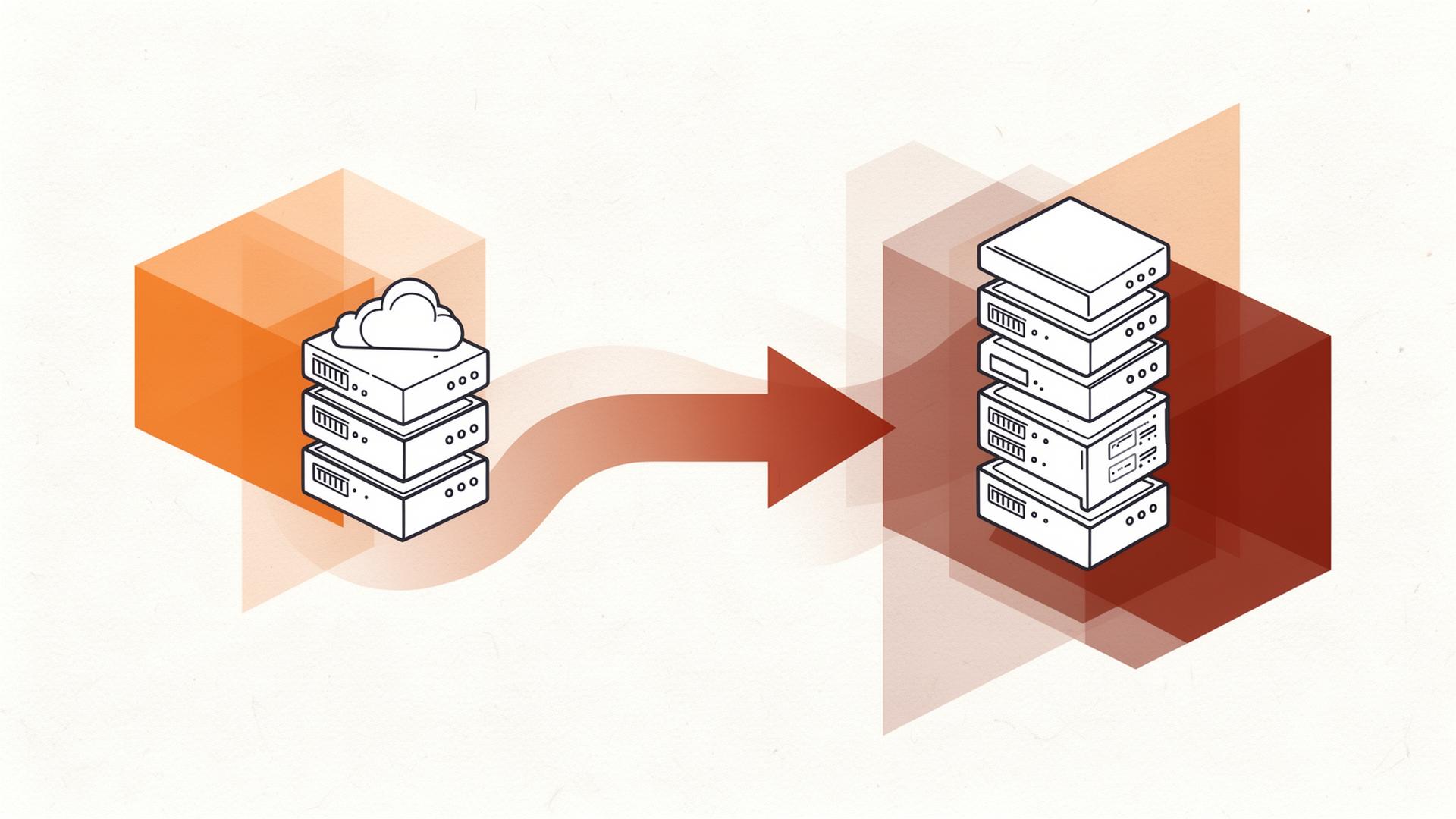
The Kentico 13 end-of-life deadline is not a soft cutover. On January 1, 2027, Kentico will cease all security patching, bug fixing, and platform-level support for Kentico 13. Your site won't stop functioning immediately — but it will be running on permanently unsupported software, accumulating unpatched vulnerabilities with no official remedy.
For most enterprises, this creates three compounding risks. First, security: any zero-day vulnerability discovered after December 2026 stays open permanently on Kentico 13. Second, compliance: GDPR, PCI-DSS, and SOC 2 frameworks typically require supported software in your stack — running post-EOL CMS may breach these requirements and potentially invalidate cyber insurance policies. Third, cost: agencies completing the best-planned migrations are already filling 2025–2026 project slots. Waiting until Q3 2026 typically means paying 40–60% premium rates for rushed delivery.
The migration is not a simple upgrade — it is a replatforming project. Kentico 13 and Xperience by Kentico (XbyK) share brand heritage but are architecturally distinct platforms. XbyK is a composable DXP with a hybrid-headless architecture, monthly automatic updates, and built-in AI via AIRA. Moving from Kentico 13 to XbyK requires content migration, frontend rebuild, and integration reconnection — but done well, it delivers a dramatically better platform that pays for itself in reduced infrastructure overhead alone.
Before scoping your migration, it's important to understand what you're moving toward — and why the architectural differences matter for project planning.
Kentico 13 uses a traditional MVC architecture where the CMS handles both content management and presentation. XbyK is hybrid-headless — content management and content delivery are separated. You can still use XbyK's built-in Page Builder for traditional delivery, but the platform is designed to deliver content via API to any frontend. This separation is powerful, but it means your migration scope includes frontend rebuild work that a direct upgrade path would not require.
Kentico 13 runs on your own infrastructure or PaaS hosting. XbyK offers both a fully managed SaaS option on Azure and a private cloud deployment. SaaS eliminates infrastructure management entirely — Kentico handles deployments, security patches, and monthly updates automatically. For most enterprises, SaaS delivers lower TCO within 12 months of migration.
Kentico 13 received infrequent major updates that required planned upgrade projects. XbyK receives monthly automatic updates on SaaS — you are always on the latest version without planned upgrade work. This alone eliminates a significant category of ongoing IT overhead.
"The biggest surprise for most clients isn't the migration complexity — it's how much lighter XbyK is to operate once you're live. The monthly update cycle on SaaS feels like a completely different platform ownership experience." — Rahul K., Head of Kentico Practice, DotStark
Based on 100+ XbyK migrations delivered, DotStark uses a structured 5-phase process that keeps scope tight, timelines fixed, and go-live risk minimal. Here is each phase in detail.
The discovery phase is the most important investment in a successful migration. Every hour spent in discovery saves multiple hours in execution. The scope of this phase covers:
Output: A signed Migration Scope Document that locks scope, timeline, team, and cost before any development begins. No scope creep, no surprises.
Kentico provides an official Migration Toolkit that handles structured content transfer from Kentico 13 to XbyK. DotStark extends this toolkit with custom transformation scripts tailored to each client's specific content types and data structures.
The content migration runs in three rounds:
The three-round approach is critical. Single-pass migrations — where content is migrated once and assumed correct — are the leading cause of post-launch content issues. The client sign-off after round 2 is contractually required before we proceed to phase 3.
This is typically the largest phase in terms of development effort. Every page template, widget, and component from your Kentico 13 site must be rebuilt in XbyK's modern architecture. For traditional MVC delivery, this means building XbyK Page Builder components, content type templates, and widget controllers in .NET 8. For headless delivery, this means building a Next.js or React frontend consuming the XbyK Content Delivery API.
Note that Phases 2 and 3 intentionally overlap — the frontend rebuild begins in week 5 while content migration is still running. This parallel working saves 2–4 weeks on total project duration without increasing risk, because the frontend team can build against content type schemas validated in round 1.
Every integration documented in Phase 1 must be reconnected to XbyK. This work runs in parallel with Phase 3 and includes: CRM connectors (Salesforce, HubSpot), marketing automation (Marketo, HubSpot), analytics (GA4, Adobe Analytics), search (Azure AI Search, Algolia), payment gateways, and any bespoke API integrations.
Integration work is where the most edge cases emerge. We always allocate buffer in the integration phase for unexpected API behaviour, authentication changes, and data mapping complexity that wasn't visible during the Phase 1 audit.
The final phase covers cross-browser QA, performance testing, Core Web Vitals validation, SEO audit against the URL map from Phase 1, and the actual go-live cutover.
Our go-live process follows a strict cutover runbook:
After 100+ migrations, we see the same failure patterns repeatedly. Here are the five most common — and how to avoid them.
The most expensive migration mistake is starting development before scope is agreed and signed. Every undiscovered custom widget or integration that emerges mid-project adds time and cost. The discovery phase investment pays for itself ten times over in execution certainty.
XbyK uses a different URL structure by default. Every URL change without a 301 redirect is a lost backlink, a broken bookmark, and a potential search ranking drop. We have seen migrations lose 60% of organic traffic from URL mismanagement. Mapping every URL in Phase 1 takes one week and protects an asset that took years to build.
Single-pass content migrations fail silently — structured data migrated with incorrect field mappings looks fine until an editor tries to edit it or a template tries to render a field that isn't there. The three-round approach with client sign-off after round 2 adds one week to the project and prevents months of post-launch remediation.
Every integration is a dependency. CRM integrations frequently involve custom field mappings that don't survive the migration unchanged. Marketing automation tracking scripts behave differently on a new platform. Allow 20–30% more time than you think integrations will take — the ones that look simple are usually the ones that surprise you.
This sounds obvious, but production go-lives should always target Tuesday or Wednesday morning in your primary market timezone. This maximises the time your engineering team is available to respond to post-launch issues before the weekend. The worst-case scenario is a critical issue discovered at 3pm Friday with a skeleton team available.
Based on a 300-page Kentico 13 site with three CRM integrations and a moderate custom widget count, here is a typical timeline breakdown:
Total: 4–5 months for a mid-complexity migration. Larger enterprise sites with more content types, custom integrations, and headless frontend requirements typically run 5–7 months.
Not all agencies offering Kentico migration services have the same depth of experience. When evaluating migration partners, ask these five questions:
DotStark holds both Kentico Silver Partner status and the official Upgrade Expert badge — one of only a small number of agencies globally to hold both designations simultaneously. If you're evaluating migration partners, request a free 60-minute migration assessment — we'll walk through your specific site and give you an honest scope and timeline estimate.